








How to Get Your CodeMeter SDK Licenses
The CodeMeter SDK uses CodeMeter for its own licensing, making it an ideal reference case. For software vendors, this means you experience the same user journey that your customers will encounter. A central component in this process is CodeMeter License Portal. Software vendors can customize and operate a License Portal for their own users. The CodeMeter License Portal where software vendors receive and activate their developer licenses for the CodeMeter SDK is called CodeMeter Developer Portal.
What Types of Licenses Are Available?
The CodeMeter SDK includes tools for software protection and license generation. Both categories of tools require licenses, and both rely on a shared key store.
Software Protection
These tools, named AxProtectors, are bundled in CodeMeter Protection Suite and encrypt software before it is delivered from the software vendor to the end user. They are available for various programming languages and operating systems and automatically apply the most appropriate protection methods for the given environment. Depending on configuration, AxProtector operate on source code, intermediate code, or compiled machine code.
All variants of AxProtector share a common structure: there is a base version and several extensions. The base version enables complete protection of an application. Examples of extensions include:
- Modular Licensing, which allows individual functions within an application to be licensed separately.
- Unbound Mode, which enables protection against reverse engineering without delivering a license.
All AxProtector licenses are available as subscriptions and include access to the current version as well as downgrade rights to all versions from the previous two years.
License Creation
To generate licenses, a license to create licenses is always required. This license is available in two options:
- Unlimited License: An annual license, priced according to the value of the protected and licensed software.
- License per CmContainer: A volume-based license that measures the number of generated CodeMeter containers.
Simple tools such as the command-line tool CmBoxPgm and the graphical CodeMeter License Editor do not require any additional license beyond this container-generation license.
CodeMeter License Central and CodeMeter License Portal, however, require an additional license depending on the selected configuration level and deployment volume. These licenses, like AxProtector licenses, are available as subscriptions.
What Is the Key Store?
In addition to the required licenses, the software vendor needs a key store. CodeMeter security is based on encrypting the software and separating the cryptographic key from the executable file. AxProtector therefore requires a key when encrypting the software, and the tools used to generate licenses require that exact same key.
For this reason, the software vendor needs a key store in addition to the tool licenses. The key store contains multiple master keys from which the operational keys are derived. Beyond encrypting the software, these keys are also used to digitally sign software and licenses.
Which CmContainers Are Supported?
CodeMeter offers the option to store licenses in CmActLicenses, CmDongles, and CmCloudContainers. In addition to licenses, the key store is also managed within the CmContainer.
Due to the differing security levels of the three CmContainer types, and the extremely high protection requirements of the key store, Wibu-Systems has decided that CodeMeter SDK licenses and the key store may only be stored in CmDongles and CmCloudContainers. These specific containers are referred to as CmDongle FSB and CmCloud FSB.
Depending on the use case, a software vendor may receive one or multiple CmDongle FSBs and/or CmCloud FSBs, and both types can be combined.
In most cases, many developers and systems perform encryption, while only a few (or a single dedicated system) generate licenses. It is possible to obtain an FSB that can both protect software and generate licenses. This is referred to as a “standard” FSB and is typically used for the system that generates licenses. Additionally, it is possible to obtain an FSB that can only perform encryption but cannot generate licenses. This is referred to as an Encryption-Only FSB.
Licenses for Individual Developers
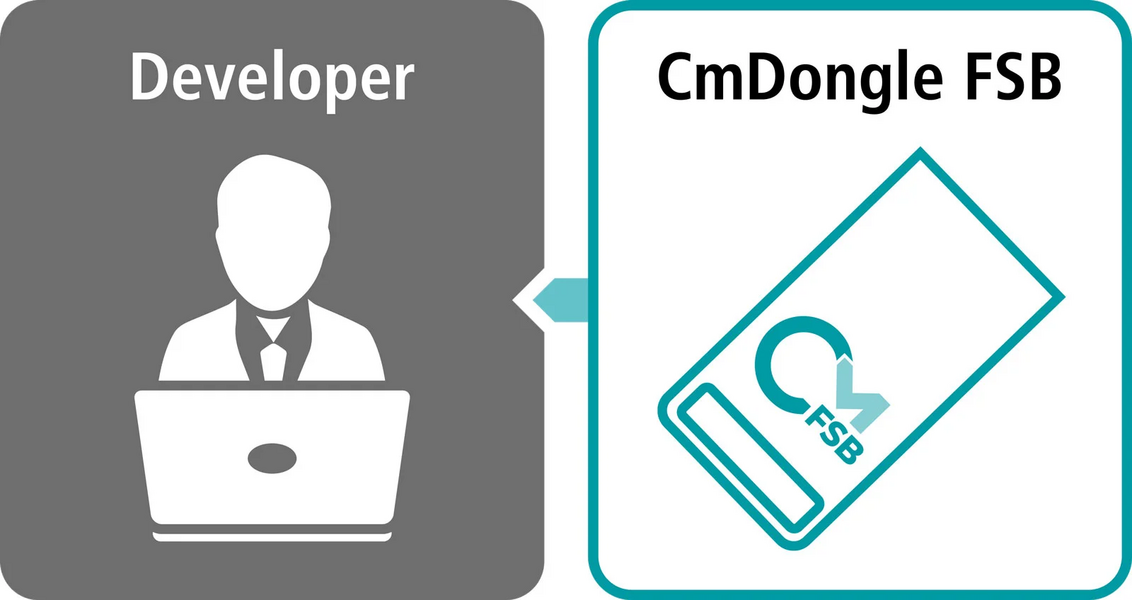
The simplest option, particularly for smaller projects, is to assign a personal FSB to a developer. In this case, either a CmCloud FSB or a CmDongle FSB can be used. For a CmDongle FSB, the key store is either delivered directly with the dongle or transferred manually via an update file for technical reasons. For a CmCloud FSB, the key store is activated in the CmCloud FSB through CodeMeter Developer Portal. In this scenario, a personal CmCloudContainer tied to the individual user is automatically created in the background during activation. If the developer is authorized to generate licenses, the corresponding license is also activated via CodeMeter Developer Portal.
For AxProtectors, User and Enterprise licenses are available. A User license is limited to a single user and includes a 30-minute reuse restriction, meaning it can only be used again on the same system within 30 minutes after its last use. For scenarios in which AxProtector must run on different systems, an Enterprise license is required.
Company License Server
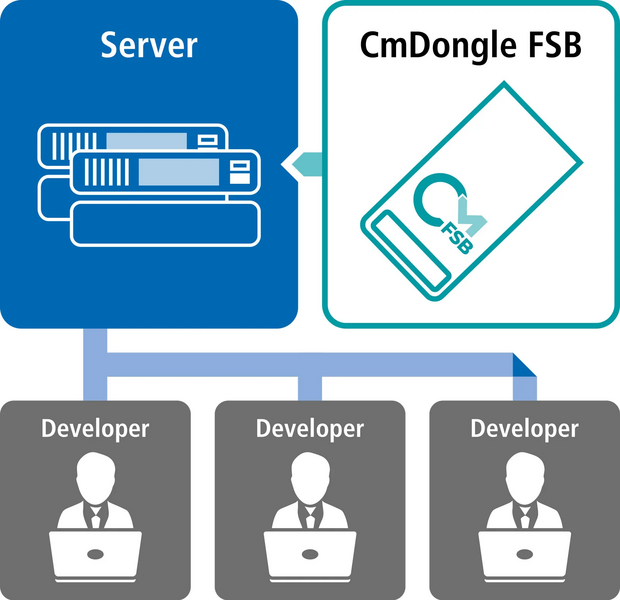
If multiple developers or automated build systems need to encrypt software, the choice between a CmDongle FSB and a CmCloud FSB depends on whether the license server should operate offline.
The CmCloud FSB is typically created by an administrator at the software vendor for a technical user. The credential file associated with the FSB is installed on the license server. Through an access control list (ACL), the administrator defines which developers or systems may use the licenses and key store.
In most cases, Encryption-Only FSBs are used alongside Enterprise AxProtector licenses. Enterprise licenses can be used on up to 100 computers simultaneously and come with no reuse restriction.
Cloud-Based Build Pipelines
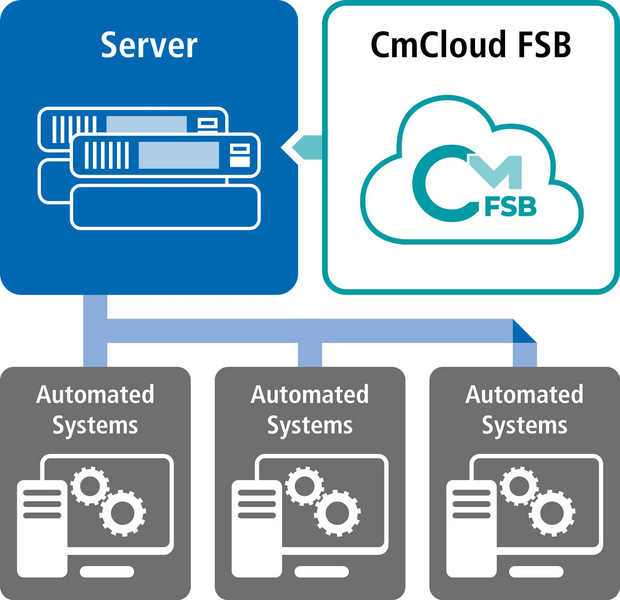
If an AxProtector is to be used within a cloud-based build pipeline, for example in Microsoft Azure, a CmCloud FSB is required. Since this FSB is not assigned to an individual developer, the administrator creates a technical user and the corresponding CmCloud FSB, similar to the license server scenario. The credential file is then downloaded and integrated into the build process.
Within the CmCloud FSB, the key store and an Enterprise version of the required AxProtector are activated. Unlike a centralized license server, the credential file is integrated into each build process (typically within containers) rather than managed centrally.
Self-Hosted CodeMeter License Central
When operating CodeMeter License Central and CodeMeter License Portal either on-premises or in the cloud, the general procedure is similar to the license server scenario. Vendors can choose between a CmDongle FSB (local only) and a CmCloud FSB (local or cloud).
In the case of a CmCloud FSB, a technical user is used, and the credential file is integrated directly into CodeMeter License Central and CodeMeter License Portal. A CmDongle FSB is either directly connected or made available exclusively to a specific machine or IP address via a network license server.
Within the FSB, the key store, the license for generating licenses, the license for CodeMeter License Central, and optionally, the license for CodeMeter License Portal must be activated.
Hosted CodeMeter License Central
When CodeMeter License Central, and optionally CodeMeter License Portal, are operated by Wibu Operating Services (WOPS), licenses, the key store, and the license-generation licenses are managed via CodeMeter Developer Portal. These are stored in an area accessible to the WOPS team.
For hosted CodeMeter License Central environments, a CmCloud FSB is used by default and integrated into the containers for the software vendor. A CmDongle FSB is available as an option for an additional fee.
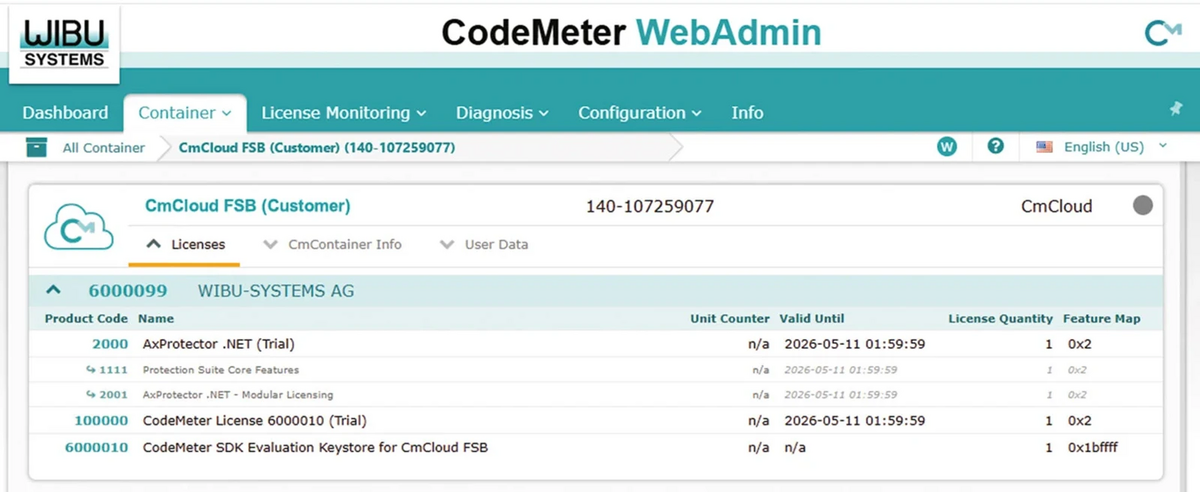
Wibu-Systems demonstrates best practices by using its own CodeMeter solutions internally. CodeMeter is comprehensive in its options and capabilities and may appear complex at first glance. This guide demonstrates that for all relevant use cases, there are clear and straightforward implementation paths that help transform complexity into flexibility.
KEYnote 51 – Edition Spring/Summer 2026